> ## Documentation Index
> Fetch the complete documentation index at: https://bunnynet-cb9733c2-claude-slack-session-savj4.mintlify.site/llms.txt
> Use this file to discover all available pages before exploring further.
# Notification Settings
> Control which emails you receive from bunny.net.
Manage your email preferences from the [Account Settings](https://dash.bunny.net/account/settings) page.
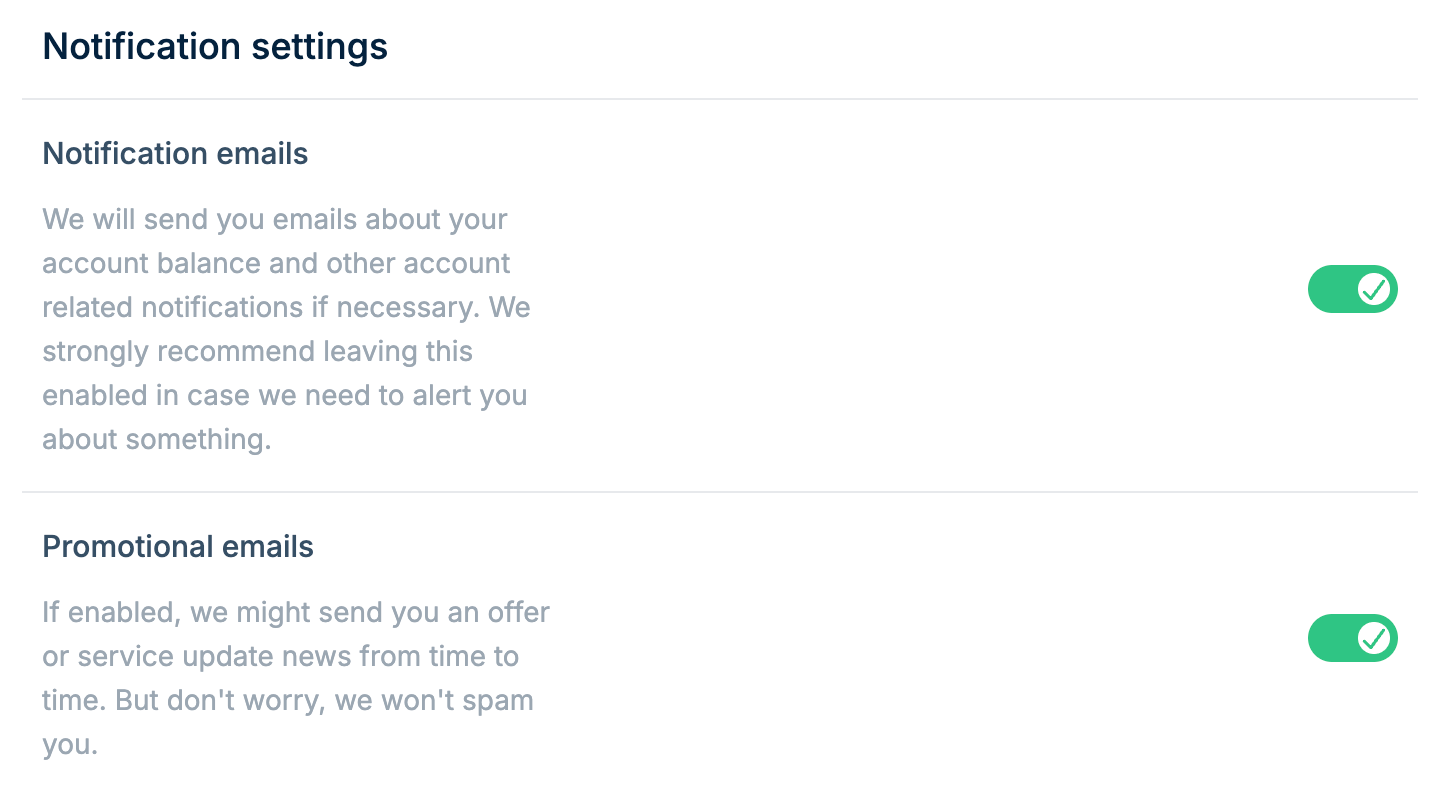 ## Notification emails
Emails about your account balance and other account-related notifications.
We strongly recommend leaving this enabled in case we need to alert you about
something.
## Promotional emails
If enabled, we might send you an offer or service update news from time to time. You can disable these at any time without affecting your account notifications.
## Changing notification preferences
Toggle each email type on or off using the switches in the Notification settings section. Changes save automatically.
## Notification emails
Emails about your account balance and other account-related notifications.
We strongly recommend leaving this enabled in case we need to alert you about
something.
## Promotional emails
If enabled, we might send you an offer or service update news from time to time. You can disable these at any time without affecting your account notifications.
## Changing notification preferences
Toggle each email type on or off using the switches in the Notification settings section. Changes save automatically.